
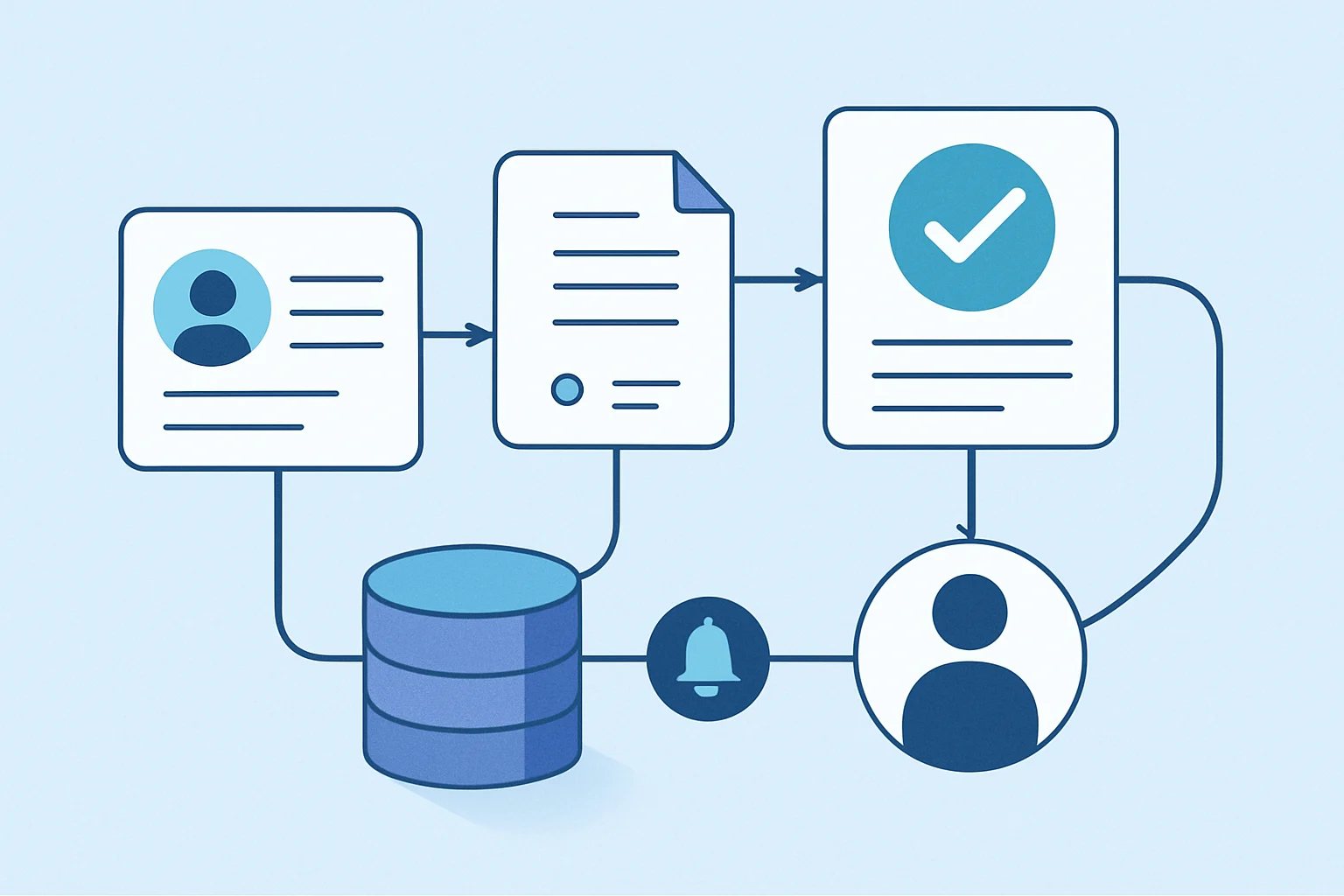
Opportunity management automation gives sales teams a more dependable way to move qualified deals from first assessment to close or disqualification. Instead of relying on spreadsheets, inbox searches, and memory, a workflow can assign ownership, create follow-up tasks, validate required data, alert managers to exceptions, and keep the CRM record current. Consequently, the result is not hands-off selling; it is a clearer operating system for the work around selling.
Moreover, a sound opportunity management automation design connects the operational steps that support customer conversations without replacing commercial judgement. In addition, businesses planning broader sales and service workflows can benefit from workflow automation consulting. Similarly, where opportunity intake begins with a structured business request, the principles in this guide to request and ticket management automation can help create accountable routing and response rules.
Key Takeaways
- Automate the handoffs
Automate repeatable actions such as assignment, reminders, record creation, notifications, and data checks so opportunities do not stall between people or systems.
- Protect sales judgement
Keep people responsible for pricing, qualification exceptions, legal terms, strategic accounts, and other decisions that require commercial context.
- Design around data quality
Use required fields, duplicate checks, defined stages, and clear ownership rules before building notifications or advanced automation.
- Choose technology deliberately
The right approach may be a CRM workflow, low-code automation, API integration, custom application, or a combination based on the process and systems involved.
What an Automated Opportunity Management Process Should Control
The objective is consistent opportunity handling, not automatic deal decisions.
An opportunity is more than a promising contact. It is a potential transaction that needs an owner, a defined next action, commercial context, and a reliable history. When those elements are scattered across emails, personal notes, calendar reminders, and disconnected tools, managers cannot easily see what needs attention. Moreover, sales representatives can spend valuable time updating systems rather than preparing for customer conversations.
Effective opportunity management automation creates a repeatable path for the operational work around a deal. It can collect information from a lead source, check whether an account already exists, route the record to an appropriate owner, create activities, request supporting information, and update related systems. Consequently, each stage has a clearer purpose and fewer avoidable gaps.
Control the process, not the customer relationship
Automation should support the sales team rather than force every deal into a rigid sequence. For example, a workflow can require a next-step date before an opportunity moves forward, while allowing the account owner to explain an exception. Similarly, it can notify a sales manager when a high-value opportunity has had no activity for a defined period, but the manager should decide whether escalation is appropriate.
In contrast, the strongest designs distinguish predictable administration from commercial judgement. Record creation, task scheduling, notifications, document collection, and routine validation are typically suitable for automation. Qualification, discounting, contract commitments, unusual risk, and relationship strategy should remain visible to accountable people.
Where Sales Opportunity Management Often Breaks Down
These failures usually come from unclear process ownership and disconnected information, not from a lack of effort. Consequently, opportunity management automation should address the operating gap before adding more notifications.
Unowned incoming opportunities
In practice, new opportunities may arrive through forms, email, events, referrals, or integrations without a dependable assignment method. As a result, the first response can depend on someone noticing the record.
Apply routing rules based on territory, account segment, product line, workload, or named-account ownership, then notify the assigned person.
- Clear accountable owner
- Faster initial acknowledgement
- Traceable assignment history
Follow-up depends on memory
A representative may leave a customer call with good intentions but no consistent task, reminder, or next-step requirement. Meanwhile, managers have little visibility of the missed commitment.
Create activities from stage changes and interaction outcomes, with reminders and manager visibility when required follow-up is missing.
- More consistent next actions
- Fewer overlooked conversations
- Better pipeline hygiene
Pipeline data becomes unreliable
Teams may use different stage meanings, enter incomplete deal information, or create duplicate account and opportunity records. Therefore, forecasts can reflect inconsistent inputs rather than current sales reality.
Validate critical fields, flag potential duplicates, standardize stage transitions, and request record completion before selected actions occur.
- More usable forecasts
- Cleaner reporting inputs
- Reduced rework for operations
A Practical Opportunity Management Automation Workflow
A useful opportunity management automation workflow follows the actual sales operating model and includes controlled paths for exceptions. Moreover, each handoff should leave a visible record for the next accountable person.
Capture the potential deal
Furthermore, create or update an opportunity from a qualified lead, web form, referral, event list, customer request, or connected business system. First, capture the source and preserve the original context.
A traceable opportunity record with source detailsCheck account and contact context
Search for matching accounts, contacts, open opportunities, and restricted records. When a likely duplicate exists, flag it for review instead of automatically merging commercially important records.
Validated account relationship and duplicate-review statusAssign the accountable owner
Use agreed rules to route the opportunity to a salesperson, account team, channel manager, or queue. In particular, route exceptions such as strategic accounts to a designated reviewer.
Recorded ownership and assignment notificationCreate the first sales action
Generate a task for discovery, qualification, or acknowledgement with an appropriate due date. If the opportunity is accepted by an owner, update its status and retain the acceptance timestamp.
A scheduled first action and visible statusGuide stage progression
When a deal moves through defined stages, prompt for the information needed at that point, such as decision-makers, expected close date, solution scope, competitor context, or next meeting. Consequently, the activity plan can reflect the actual stage.
Stage-specific information and activity planMonitor exceptions and outcomes
Identify inactive opportunities, overdue proposals, stalled approvals, missing close reasons, or upcoming renewal paths. Then notify responsible people and record closed-won or closed-lost outcomes for later analysis.
Exception alerts and complete outcome history
A simple architecture view helps teams decide which system owns each part of the process. Therefore, it also exposes where a controlled integration is needed.
- Intake sources Specifically, forms, referrals, campaigns, emails, partner channels, and existing customer requests provide initial opportunity signals.
- Opportunity system The CRM or chosen business application holds ownership, stage, value, activities, account context, and decision history. In turn, it provides the operational record for the team.
- Actions and integrations Automation creates tasks, sends approved notifications, requests documents, updates connected systems, and records audit events. However, each connection needs a defined data owner.

Choose an Opportunity Automation Approach by Process Need
An opportunity management automation approach should reflect the systems involved, the complexity of the rules, and the support model your business can sustain. As a result, the simplest maintainable option is often the best starting point.
Process complexity
- CRM configuration
- Suitable for standard fields, stages, simple rules, and native notifications.
- Low-code workflow automation
- Suitable for cross-system approvals, notifications, document actions, and moderate business logic.
- Custom integration or application
- Suitable for complex rules, high-volume processing, specialized user experiences, or unique workflows.
Systems to connect
- CRM configuration
- Best when work stays within the CRM and its supported features.
- Low-code workflow automation
- Useful when connecting approved cloud services, collaboration tools, databases, and common business platforms.
- Custom integration or application
- Appropriate where APIs, legacy systems, custom data models, or specialized integrations are required.
Governance requirements
- CRM configuration
- Use CRM roles, field permissions, audit settings, and configuration controls.
- Low-code workflow automation
- Use controlled connectors, environment management, credential governance, and monitored workflows.
- Custom integration or application
- Use secure application architecture, API controls, logging, testing, and managed deployment practices.
Long-term maintenance
- CRM configuration
- Usually manageable by trained CRM administrators when the process remains simple.
- Low-code workflow automation
- Requires ownership for workflow changes, connection health, licensing, and exception handling.
- Custom integration or application
- Requires planned software support, version management, monitoring, and technical documentation.
Sales Opportunity Automation Governance and Human Review
Opportunity management automation is more reliable when ownership, permissions, and exceptions are designed before build work begins. Otherwise, an efficient workflow can spread incomplete or inappropriate data faster.
Protect opportunity data
Opportunity records can contain contact details, pricing context, forecasts, contracts, and notes about customer needs. Therefore, define which roles can view, edit, export, or approve sensitive information. Integrations should use appropriately scoped accounts, and access should be reviewed as team roles change.
- Define record ownership rules
- Limit access to sensitive fields
- Maintain an audit trail for important changes
Keep exceptions visible
A workflow should not silently force a deal through a standard path when the situation is unusual. For example, duplicate accounts, non-standard terms, high-risk opportunities, significant discounts, and strategic account changes may need review. Build an exception queue with a named owner and clear resolution options.
- Use human approval for commercial exceptions
- Record the reason for overrides
- Review recurring exceptions for process improvements
Opportunity Automation Implementation Checklist
Use this checklist to turn a broad opportunity management automation idea into an implementable and maintainable workflow.
- Map the current journey
First, identify how an opportunity enters the business, who touches it, which decisions occur, which systems are used, and where delays or duplicate work happen. Then document the handoffs that need clearer ownership.
- Define stage meanings
Agree on the business definition, required information, owner responsibilities, and exit criteria for each opportunity stage. Consequently, teams can interpret pipeline status consistently.
- Set routing rules
Document assignment logic, reassignment conditions, queue ownership, named-account exceptions, and what happens when no rule matches. In particular, define who resolves routing failures.
- Decide what stays manual
List commercial, financial, legal, privacy, and strategic decisions that require human review, approval, or recorded justification. This distinction protects judgement while routine work is automated.
- Plan data and integrations
Confirm the source of truth for accounts, contacts, opportunities, activities, documents, and related system updates before connecting tools. Otherwise, connected systems can create conflicting records.
- Test and monitor outcomes
Test normal paths, incomplete data, duplicate records, reassignment, failed integrations, and exception approvals. Finally, assign an owner to monitor and improve the workflow.
Build Opportunity Management Around Clear Ownership
The goal is a process that helps people act on the right information at the right time.
Opportunity management automation can help businesses replace inconsistent handoffs and manual reminders with a controlled process for assignment, follow-up, data completion, and exception handling. However, successful automation begins with agreed stage definitions, accountable owners, appropriate access controls, and realistic exception paths.
Ultimately, start by solving one visible operational problem, test the workflow with the people who will use it, and monitor where the process still requires adjustment. As a result, the sales team can spend less effort chasing administrative details and more effort preparing for meaningful customer conversations.
Common Sales Process Questions
These questions address common planning concerns before automating a sales opportunity process.
Opportunity management automation uses workflows, rules, integrations, and business applications to coordinate repeatable tasks around a potential sale. It can capture opportunities, assign owners, create follow-up activities, validate data, request approvals, notify stakeholders, and update connected records. However, salespeople still make the customer-facing and commercial decisions.
In practice, start with high-frequency, rules-based work that creates visible friction. For example, common first candidates include routing new opportunities, creating first-contact tasks, prompting for missing information, reminding owners about overdue actions, and notifying managers about defined exceptions. The best priority depends on where your current process loses time or information.
Sometimes. A business may use workflow automation or integrations around an existing CRM to create tasks, synchronize approved data, manage documents, or notify teams. However, if opportunity stages, ownership, or data definitions are unclear in the CRM, those foundations should be addressed first. Automation cannot reliably compensate for an undefined process.
The routing and recordkeeping can be automated, but approvals should remain with authorized people when they involve pricing authority, non-standard terms, risk, legal commitments, or strategic considerations. Consequently, a well-designed workflow can make approval faster while preserving the evidence, decision-maker, and rationale.
Use matching rules based on relevant account, contact, product, date, and source information. Then flag likely duplicates for a designated owner or sales operations reviewer rather than automatically merging records in every case. The correct action can depend on whether separate opportunities represent different buying initiatives.
Need Help With Opportunity Workflow Automation?
Review the process, systems, approvals, and controls needed for a maintainable opportunity workflow.
JiyanaTech can assess your current opportunity management process and design a maintainable automation solution around your systems, controls, integrations, security and support needs.
Discuss This Workflow