
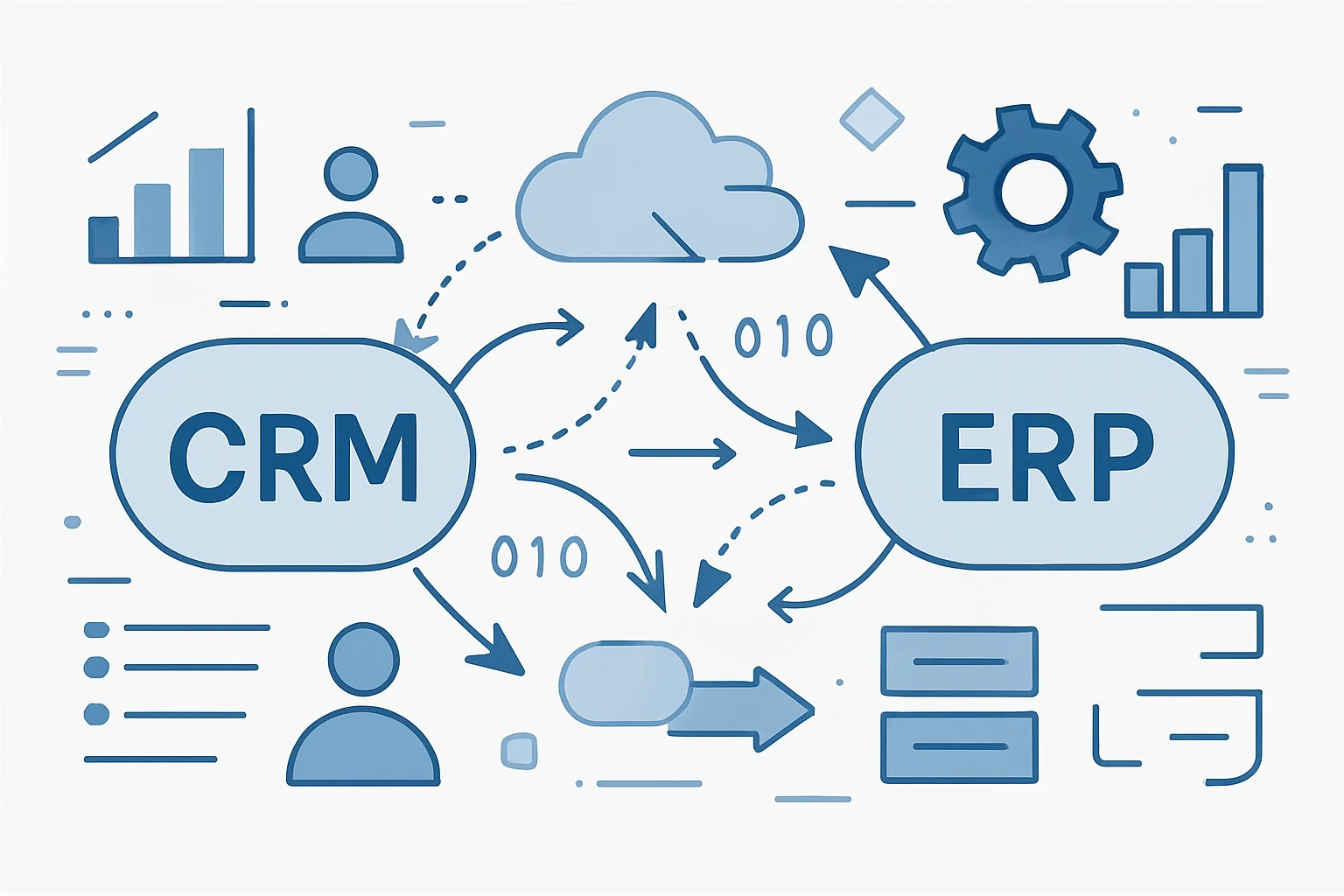
When sales, operations, and finance teams work from separate records, a changed customer address, approved quote, or invoice status can be copied late, copied incorrectly, or missed altogether. CRM and ERP data synchronization automation services help organizations move approved business data between systems using defined rules instead of repeated spreadsheet exports and manual re-entry.
However, a dependable integration is more than a connector. It requires careful record ownership, field mapping, validation, exception handling, and monitoring. Therefore, businesses assessing this work can start with API integration automation services and broader system integration services to determine which approach fits their systems, controls, and operating needs.
Key Takeaways
- Define record ownership
First, decide which system is allowed to create or change each important field before data begins moving in both directions.
- Validate before writing
Required fields, formats, account matches, tax details, and status rules should be checked before an update reaches the destination system.
- Design for exceptions
Moreover, duplicates, locked records, unavailable APIs, and conflicting edits need an exception path with clear human responsibility.
- Monitor the integration
As a result, logs, alerts, retry rules, and reconciliation reviews can reveal incomplete or rejected updates before they become operational issues.
CRM and ERP Data Synchronization Automation Services: What They Cover
The scope should reflect real business events, not just the systems that happen to be connected.
A customer relationship management system, or CRM, usually supports leads, accounts, contacts, opportunities, sales activity, and customer-facing communication. Meanwhile, an enterprise resource planning system, or ERP, commonly manages customer accounts, products, pricing, orders, inventory, invoices, payments, and accounting controls. Because the two platforms support different stages of work, their data does not need to be identical.
Instead, CRM and ERP data synchronization automation services identify the records and fields that must remain aligned. For example, an approved customer record in the CRM may create or update a corresponding account in the ERP. In turn, an order accepted in the ERP may return an order number and fulfillment status to the CRM. Invoice and payment status can then be made available to authorized sales or service users without granting them broad finance-system access.
CRM and ERP synchronization is a business-rule design exercise
In practice, the useful question is not simply, “Can these systems connect?” It is, “Which event should trigger which update, under what conditions, and who should act when the update cannot proceed?” Consequently, this framing prevents integrations from moving incomplete, unauthorized, or irrelevant records.
Depending on the environment, CRM and ERP data synchronization automation services may use native connectors, REST APIs, webhooks, integration platforms, Microsoft Power Automate or Logic Apps, custom .NET services, scheduled jobs, or a carefully governed combination. Ultimately, the appropriate approach depends on API capability, expected volume, security requirements, licensing, support expectations, and the complexity of the business rules.
CRM and ERP data synchronization automation services place validation and exception handling between business systems rather than treating data transfer as an unchecked handoff.
- CRM customer records First, approved accounts, contacts, and sales attributes are prepared for transfer using stable identifiers.
- Validation layer Before a destination record is created or changed, required values, formats, duplicates, and business rules are checked.
- ERP customer accounts Therefore, validated customer and billing details are created or updated according to finance and operations controls.
- Orders and products Meanwhile, eligible sales orders, product references, pricing details, and fulfillment data move according to the chosen direction.
- Invoices and payments In turn, relevant financial status returns to the CRM so permitted teams can view customer progress and follow up appropriately.
- Monitoring and exceptions Finally, logs, alerts, retries, and a review queue capture failed, delayed, or conflicting updates for investigation.
Common Automated CRM ERP Data Sync Gaps
CRM and ERP data synchronization automation services create the most value where sales, operations, and finance repeatedly reconcile the same information.
Customer details diverge
Sales may update an address, primary contact, tax reference, or account name in the CRM while the ERP continues using older billing details.
Therefore, validate approved CRM changes and update only the mapped ERP customer fields, while retaining a cross-system ID for traceability.
- Less repeated data entry
- Clearer customer matching
- More consistent billing information
Orders lose context
A closed opportunity may be re-entered as an order without the correct customer code, product reference, quantity, or promised delivery information.
For example, use a qualified sales event to prepare an order payload, validate commercial data, and create a draft or approved ERP order based on defined rules.
- Fewer handoff omissions
- Earlier order visibility
- Better status traceability
Finance status stays isolated
Customer-facing teams may not know whether an invoice was issued, partially paid, disputed, or placed on hold until they ask finance manually.
As a result, return selected invoice, credit, payment, or account-status updates to appropriate CRM fields or timeline records.
- More informed follow-up
- Reduced status requests
- Controlled financial visibility
CRM ERP Synchronization Service Models: One-Way vs Two-Way
For CRM and ERP data synchronization automation services, two-way movement is not automatically better. Instead, the right design follows the business system that owns each field and event.
Best fit
- One-way synchronization
- One system clearly owns the record or a group of fields.
- Two-way synchronization
- Different systems legitimately own different fields or lifecycle stages.
Typical examples
- One-way synchronization
- CRM account details to ERP customer creation; ERP invoice status to CRM visibility.
- Two-way synchronization
- CRM contact information to ERP and ERP customer number back to CRM.
Primary risk
- One-way synchronization
- Destination users may expect to edit values that will later be overwritten.
- Two-way synchronization
- In contrast, conflicting edits can create looped updates, duplicates, and unclear field authority.
Required controls
- One-way synchronization
- Field-level ownership, timing rules, and destination edit permissions.
- Two-way synchronization
- Therefore, use an ownership matrix, change detection, conflict rules, audit logs, and exception review.
CRM to ERP Data Integration: Mapping and Validation
CRM and ERP data synchronization automation services translate data between system structures, then test whether the translated data is safe and useful to write.
Field mapping is the documented relationship between a source field and a destination field. For example, a CRM field called “Account Name” may map to an ERP customer name, but other fields require more thought. A CRM lifecycle stage is rarely equivalent to an ERP customer status, and a sales representative’s free-text note should not automatically become an accounting instruction.
Map meaning in CRM and ERP data mapping, not only labels
Start by listing the business meaning, data type, format, allowed values, owner, and update direction for every important field. In particular, customer currency, tax treatment, payment terms, product codes, legal entity, and shipping location frequently need transformation rules rather than direct copying. If the ERP requires a value that the CRM does not collect, the integration should stop the affected record and explain what is missing rather than create a partial account.
Validate CRM and ERP synchronization at the correct point
Validation may happen in the CRM before an event is released, in an integration layer while the data is transformed, and in the ERP before the record is accepted. Specifically, useful checks include required-field completion, email and postal-format rules, permitted country codes, active product references, duplicate customer matches, credit-hold status, and valid tax identifiers where applicable.
Additionally, CRM and ERP data synchronization automation services should preserve stable identifiers. A CRM record ID alone may not be enough once an ERP account is created. Therefore, storing both system identifiers and the last successful synchronization time supports troubleshooting, reconciliation, and controlled updates later. This is particularly important when an organization expands into multiple legal entities, regions, currencies, or product catalogs.
CRM ERP Integration Automation Workflow: Customer, Order, and Invoice Updates
This illustrative CRM and ERP data synchronization automation services workflow shows how information can move across sales, operations, and finance while preserving checks and human review.
- 1
Approve the CRM account
First, a sales or operations user marks an account as ready for onboarding only after required customer, legal entity, contact, and commercial fields are complete.
A CRM event with an approved account identifier - 2
Match or create the ERP customer
The integration then searches for an existing ERP customer using approved matching rules. If no match is found, it creates a new customer record with mapped billing and operational details.
ERP customer ID stored against the CRM account - 3
Validate the order request
When an opportunity reaches the agreed commercial stage, the integration checks product codes, quantities, currency, price permissions, delivery information, and any required approval status.
A valid order payload or an actionable exception - 4
Create or update the ERP order
Only after the required checks pass does the ERP receive an order request. In turn, the returned order number and selected fulfillment status are written back to the CRM.
Cross-system order reference and status - 5
Return finance-safe updates
After invoicing or payment activity occurs in the ERP, selected status information is sent to authorized CRM users without exposing unnecessary ledger or payment data.
Relevant invoice and payment visibility in the CRM - 6
Monitor and reconcile exceptions
Finally, the automation logs each event, retries temporary technical failures within defined limits, and routes unresolved records to a review queue with useful error context.
Auditable history and managed exceptions
CRM ERP Synchronization Service Governance, Security, and Support
CRM and ERP data synchronization automation services must account for access, operational ownership, and change management alongside the data flow itself.
Least-privilege access
Use dedicated integration identities with only the permissions needed to read, create, or update approved records. In addition, protect secrets, rotate credentials, and avoid embedding access tokens in user-facing flows.
- Scoped API permissions
- Controlled secret storage
- Access review process
Change-aware support
CRM fields, ERP configurations, product catalogs, and APIs change over time. Therefore, a maintainable integration has documented mappings, version-aware testing, and a process for approving changes before release.
- Documented field mappings
- Test environment checks
- Release ownership
Appropriate human review
Automation can prepare, validate, route, and record information; however, people should retain judgment for unusual financial, legal, privacy, credit, or contractual decisions.
- Exception approvals
- High-risk transaction review
- Escalation responsibilities
Selecting CRM and ERP Data Synchronization Automation Services
A provider should assess the business process and support model as carefully as the technical connection.
- Business ownership
First, confirm whether your teams can identify who owns customer, order, invoice, payment, pricing, and product data at the field level.
- Integration scope
Ensure the required records, events, volumes, timing expectations, and exclusions are defined before development begins.
- System capabilities
Check whether the CRM and ERP provide usable APIs, webhooks, rate limits, authentication options, and sandbox environments.
- Data quality baseline
Before migration or synchronization, assess duplicate records, inconsistent codes, incomplete addresses, and old customer accounts.
- Validation rules
In addition, document required fields, transformations, approval gates, and destination acceptance rules so they can be tested.
- Exception process
Define who receives errors, what information they need, and how they will correct and reprocess a record safely.
- Security controls
Confirm that the solution can use least-privilege service accounts, secure secret management, audit logs, and appropriate data retention practices.
- Support model
Similarly, establish a named process for monitoring, maintenance, platform changes, incident response, and release testing.
- Future requirements
Finally, consider whether the design can accommodate additional entities, regions, products, portals, reporting needs, or connected applications without a full rebuild.
Build CRM ERP Integration Automation Around Reliable Decisions
The strongest integration designs make data movement understandable, controllable, and supportable for the people who rely on it.
CRM and ERP data synchronization automation services can reduce repeated entry and improve visibility across sales, operations, and finance. Yet the benefit comes from disciplined design: clear record ownership, meaningful field mapping, validation before updates, practical conflict rules, and monitoring that turns errors into managed work.
Begin with the records that create the most manual reconciliation or operational risk, then define a controlled path from source event to destination update. As requirements grow, CRM and ERP data synchronization automation services can apply the same ownership, security, and exception-management patterns to additional systems and business processes without sacrificing oversight. Ultimately, reliable CRM ERP synchronization supports better decisions because each team can understand where important data came from and how it was handled.
CRM to ERP Data Integration FAQs
These questions address common decisions organizations face when evaluating CRM-to-ERP data integration.
CRM and ERP data synchronization is the controlled exchange of selected records and updates between a customer-facing system and an operational or financial system. CRM and ERP data synchronization automation services can include customer accounts, contacts, products, quotes, sales orders, fulfillment status, invoices, and payments. The goal is not to copy every field, but to keep the information needed for each team accurate and available according to defined business rules.
Not always. Real-time or near-real-time updates can be useful for events that require immediate action, such as approved order creation or fulfillment status changes. However, scheduled synchronization may be suitable for lower-risk reporting updates, larger data volumes, or systems with API limits. Therefore, timing should be chosen based on business urgency, data volume, cost, system capability, and the impact of delayed information.
Ownership can vary by field. A CRM may own sales contacts, communication preferences, and opportunity details, while an ERP may own payment terms, tax status, credit information, and billing controls. Rather than assigning one owner to the entire customer record, define which system owns each field or field group and prevent unauthorized updates from overwriting the authoritative value.
It can help reduce duplicates by applying matching rules before creating a new record. Common checks compare customer codes, legal names, email domains, tax identifiers, addresses, or other approved identifiers. Because matching can be ambiguous, especially for similar business names or subsidiaries, uncertain matches should be routed for human review instead of being merged automatically without evidence.
A well-designed integration records the failed event, the reason for failure, the affected record, and the retry or review status. Temporary issues such as network interruptions may be retried under controlled limits. In contrast, invalid data, duplicate matches, missing approvals, and restricted ERP status changes generally require a person to correct the issue before the record is processed again.
Power Automate can be a suitable option when supported connectors, manageable volumes, clear approval paths, and Microsoft ecosystem requirements align with the use case. Other situations may require direct API integration, Azure-based services, middleware, custom .NET applications, or another integration platform. Consequently, the appropriate choice should be based on system capabilities, security, complexity, maintainability, licensing, and expected growth.
Plan CRM ERP Data Synchronization
Discuss the data flows, controls, and integration approach that fit your business systems.
JiyanaTech can assess your current CRM and ERP data synchronization services process and design a maintainable automation solution around your systems, controls, integrations, security and support needs.
Discuss This Workflow